Varen er på fjernlager, leveringstiden er 5-7 hverdage. Mere info
Leveringsmuligheder - Vælges ved checkout
GLS - Pakkeshop
39,00
GLS - Levering til hoveddøren
59,00
Afhentning i vores Pick-up point i Ringsted
19,00
DKK
466,00
ex. moms 372,80
Total inkl. fragt
505,00
Funktionen kræver at man er logget ind. Opret en bruger og brug vores smarte liste system til at holde styr på fremtidige indkøb, faste indkøb eller ønskelister. Opret bruger Login
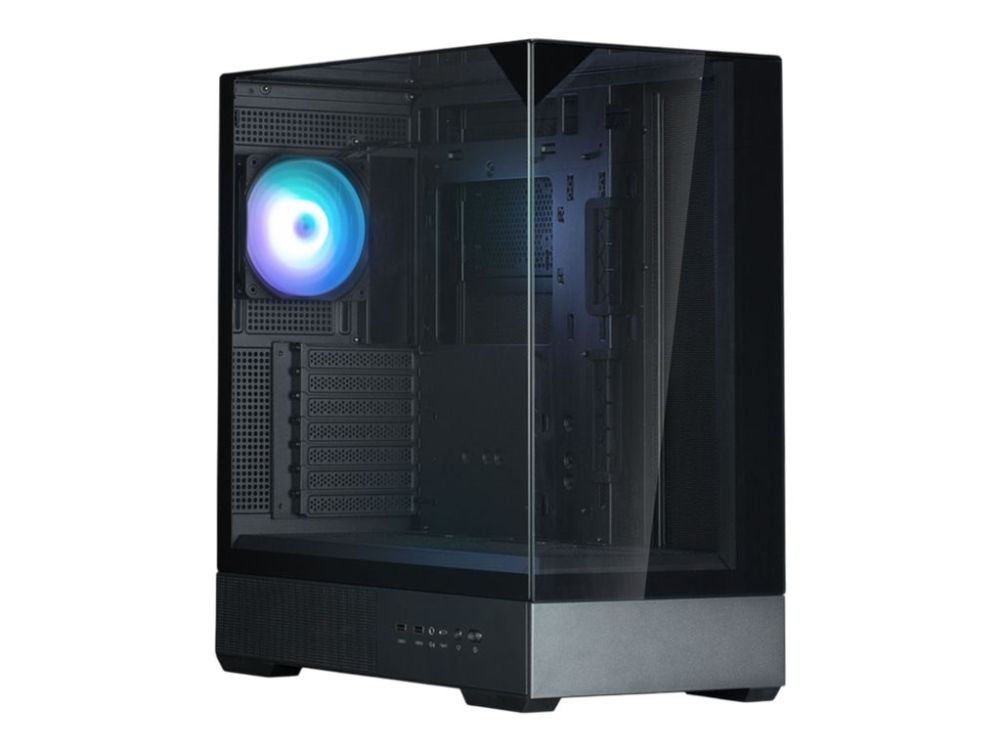
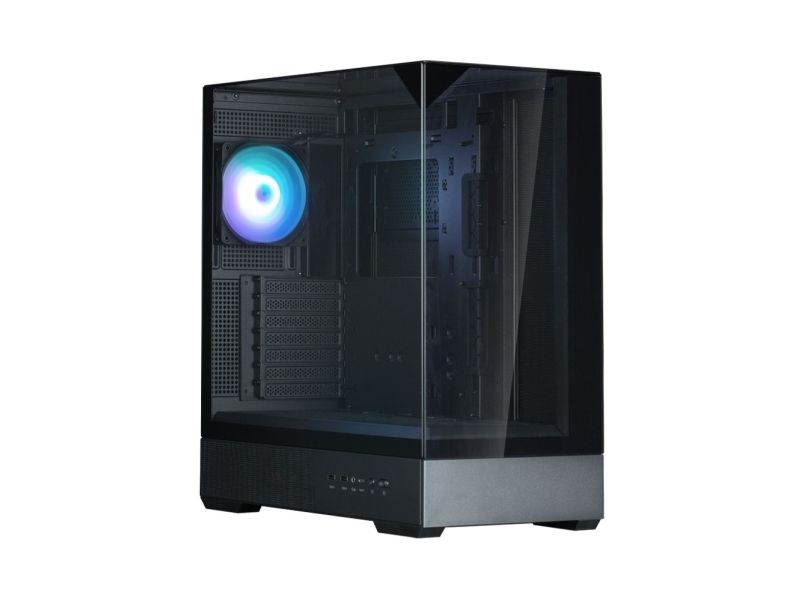
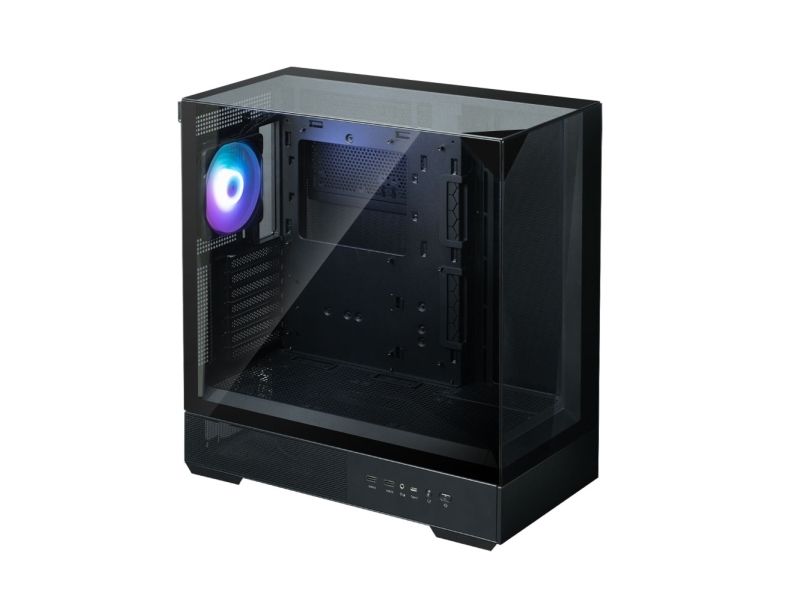
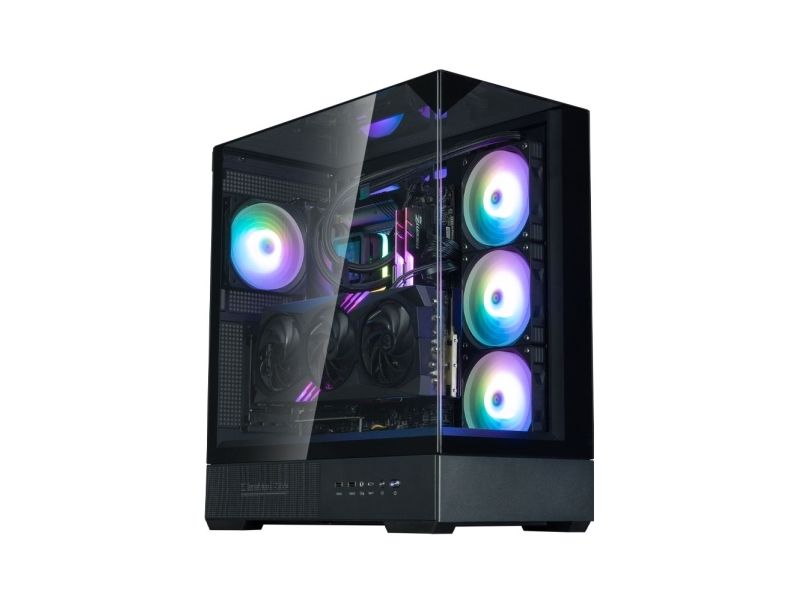
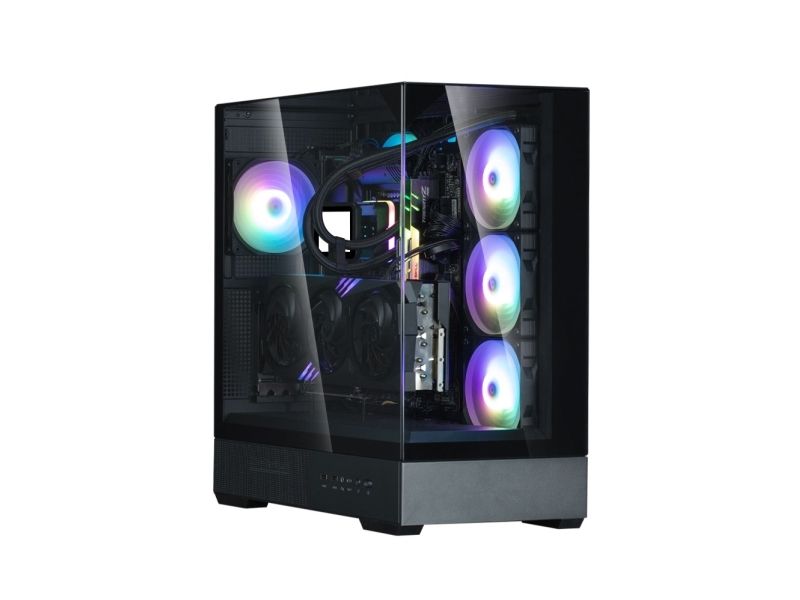
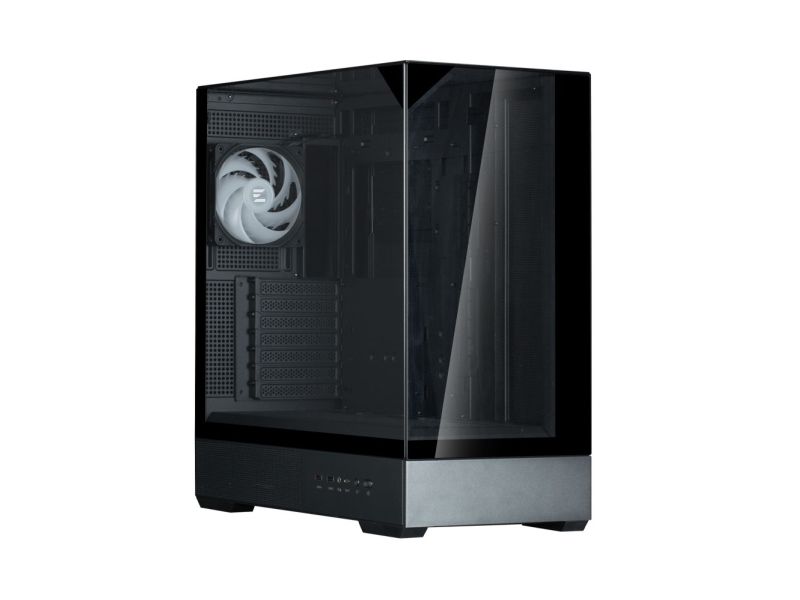
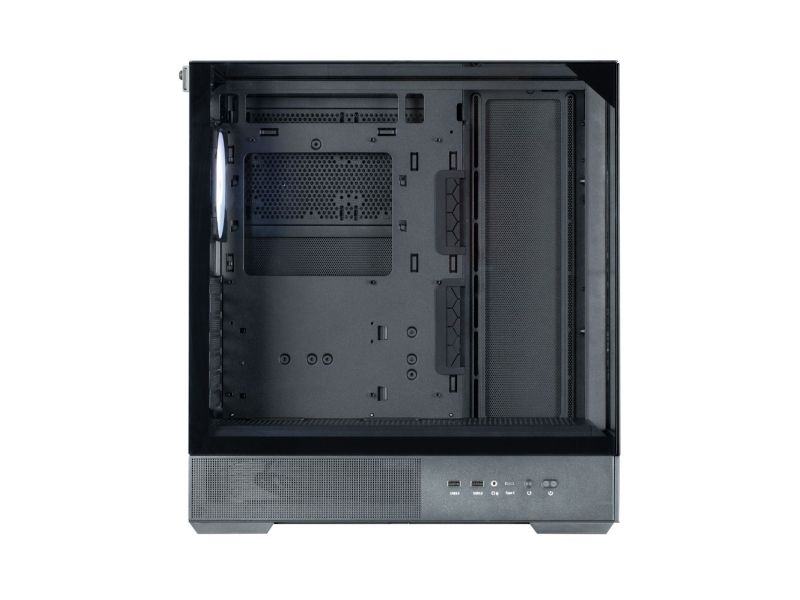
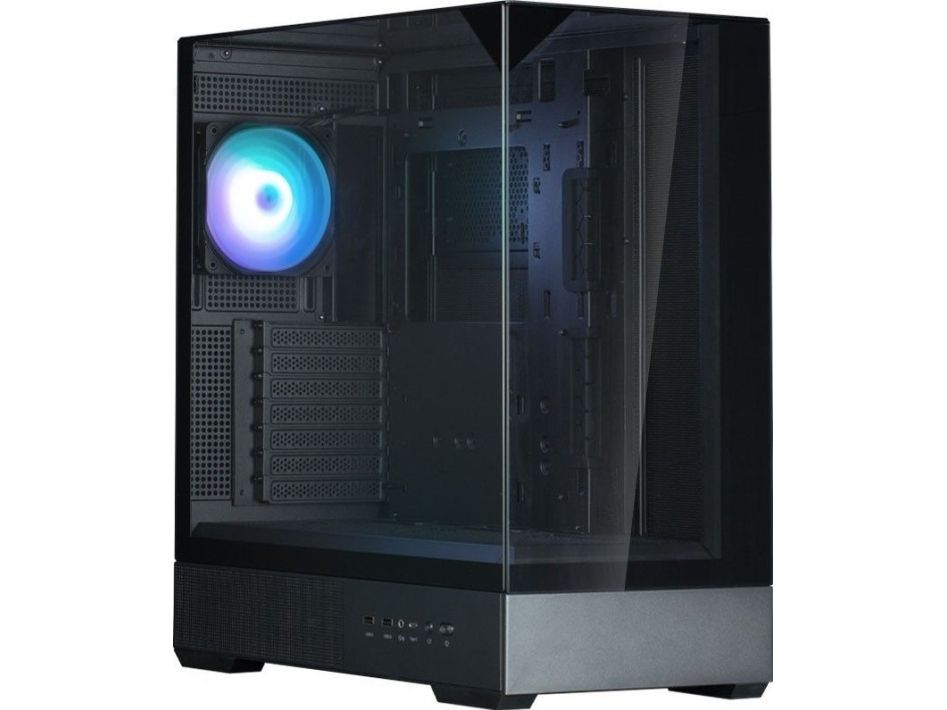
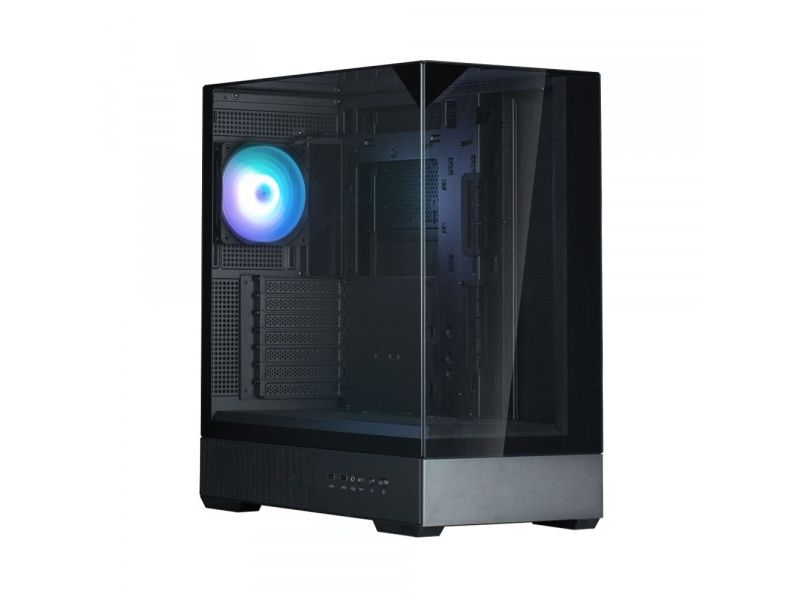
Showcase Build Aesthetics with a Stunning Design The P40 Prism, with three tempered glass panels creates an open feel and enhances your system build with its modern design
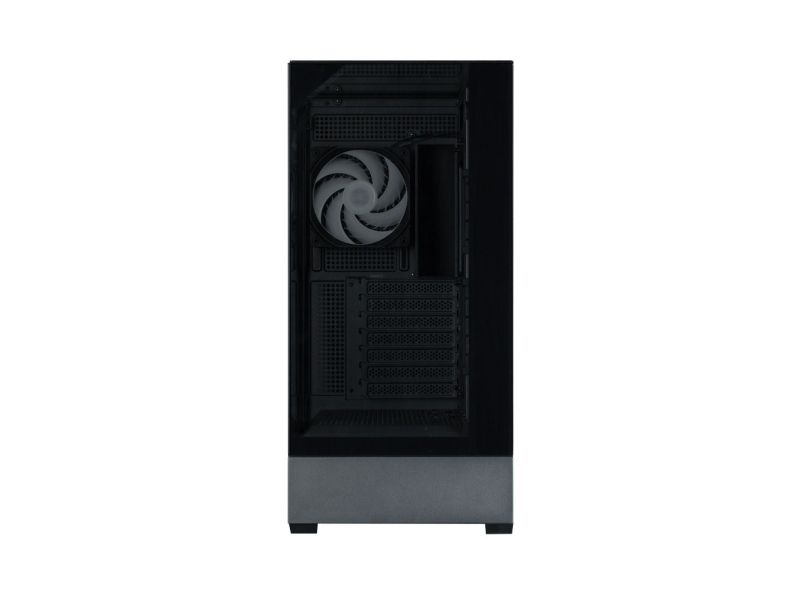
Unobstructed Panoramic View with 3-sided Tempered Glass A new paradigm in design eliminates the chassis frame, providing an open feeling and unobstructed view. Tempered glass panels across the front, sides, and top create a seamless look.
Tool-Free Tempered Glasses The Front, Side and Top panels can be easily and completely removed for convenient access to PC components. - Top Glass panel Thumb-Screw - Easy panel management with groove fixing structure at the bottom of the tempered glass - The new type of conical, tool-less fixing mechanism allows for convenient panel attachment and detachment and is not easily dislodged by normal impact.
Sturdy Triangular Support Structure The sturdy triangle fixing structure of tempered glass is able to support a load of 35kgs, ensuring solid stability for all three glass panels.
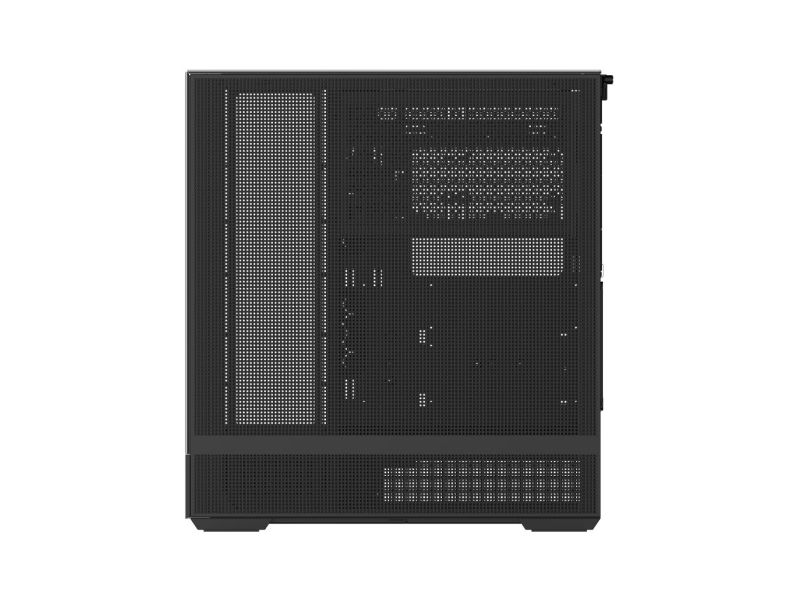
Full-Mesh Side Panel for Optimal Airflow Full-Mesh Side Panel exhaust vent above the motherboard for optimized airflow.
Extended Bracket (HDD, SSD, Fan Support)
HDD / SSD 3 x Combo(3.5'' or 2.5')
Additional fans can be installed to dissipate heat from the rear of the motherboard.
- Side : 120mm/ 240mm / 360mm - Rear : 120mm
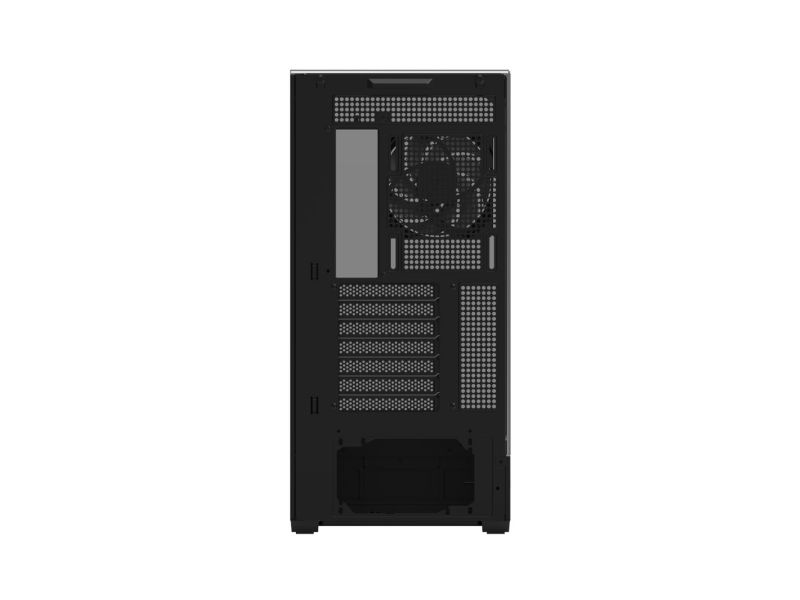
Rotating PCI slot for GPU Installation Direction (Vertical/Horizontal)
Detachable Expansion Cover Available The expansion cover can be removed to accommodate the installation of a 360mm liquid cooler.
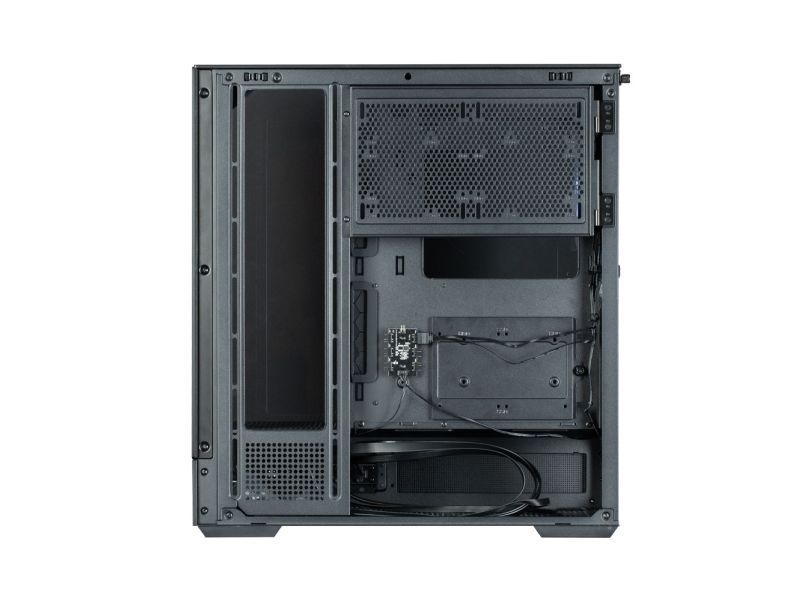
Efficient Cable Management with Optimal Routing Design 33mm cable management space helps keep wires organized.
Convenient cable management layout and space makes it easier than ever to organize messy cables for a clean look
Easy Accessible I/O ports ? USB 3.0 ? Microphone / Headphone Jack ? USB Type-C ? Reset Button (LED Control Button) ? Power Button
Rubber Grommets for Clean Cable Management Convenient cable management layout makes it easier than ever to organize messy cables for a clean look.
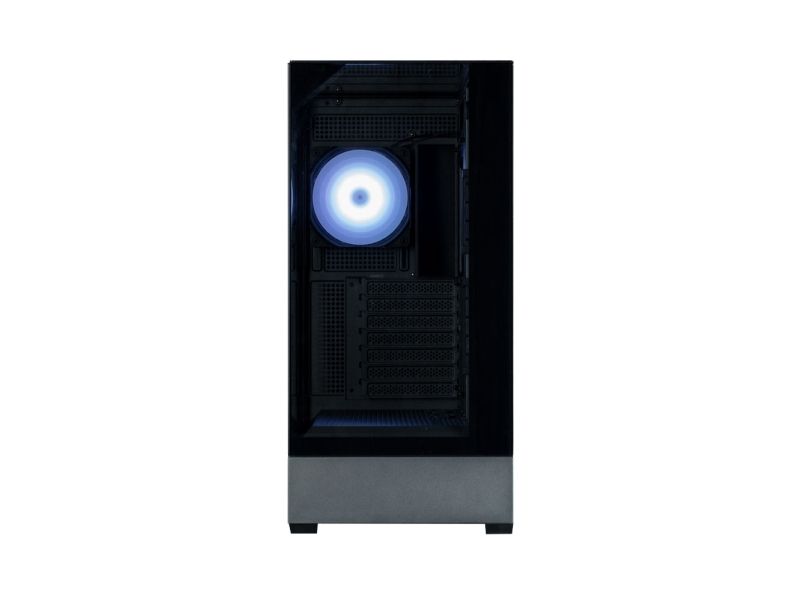
Vibrant ARGB Lighting Effect Stunning and bright ARGB colors shine through the AF120 presenting your build in the most beautiful light possible.
1. The blade vibration is minimized by preventing the trembling of the blades during fan operation and the durability is enhanced
2. Wind noise is minimized by suppressing the vortex phenomenon that occurs on the blades
3. Airflow is maximized by minimizing the amount of air flow lost to the outerncircumference of the rotor
ARGB Controller RGB control hub and top control button enable variety RGB effects.
Connect to motherboard 5v RGB pin header to create various RGB modes.
How to use ARGB controller - Press the I/O LED button to change the LED pattern and color.(26 patterns) - Press and hold the LED button for 3 seconds to sync the motherboard after the white light flashes once. - Press and hold the LED button for 6 seconds to turn off the LED after the white light flashes twice. - Press the LED button again to disconnect the motherboard sync and change the controller mode.
Dedicated GPU Bracket Included
Bottom Magnetic Dust Filter Complete Dust Protection
Produktbeskrivelse
Zalman P40 Prism - mid tower - ATX
Produkttype
Systemkabinet
Model
Mid tower
Sidepanel i vindue
Ja, hærdet glas
Farve
Sort
I/O-kontakter
2 x USB 3.0 1 x USB-C 1 x hovedtelefon/mikrofon
Understøttede motherboards
Mini-ITX, microATX, ATX
Egenskaber, systemkabinet
3-delt panoramaglas, værktøjsløst sidepanel, sidepanel med net, lodret/vandret grafikkortretning, cable management system (33 mm clearance), gummikabelhuløjer, ARGB controller, bundmagnetisk støvfilter
Strømenhed
Ingen strømforsyning (ATX)
Dimensioner (B x D x H)
23.5 cm x 45.2 cm x 49.5 cm
Vægt
8.9 kg
Generelt
Model
Mid tower
Sidepanel i vindue
Ja
Materiale af sidepanel i vindue
Hærdet glas
Max størrelse på bundkort
ATX
Understøttede motherboards
Mini-ITX, microATX, ATX
Antal interne bays
4
Produktmateriale
Plastik, stål, hærdet glas
Farve
Sort
Kølesystem
Bagside: 120 mm ventilator x 1 / 600-1500 o/min / 53.72 cfm / ARGB-blæser, 1 x 120 mm radiator understøttet Side: 120 mm blæserstativ x 3 / 120/240/360 mm radiator understøttet Nederst: 120 mm blæserstativ x 3 Sidebøjle: 120 mm blæserstativ x 2
Maks. højde for CPU-køler
165 mm
Maks. længde for videokort
420 mm
Strømforsyning maks. længde
150 mm
Egenskaber, systemkabinet
3-delt panoramaglas, værktøjsløst sidepanel, sidepanel med net, lodret/vandret grafikkortretning, cable management system (33 mm clearance), gummikabelhuløjer, ARGB controller, bundmagnetisk støvfilter
Ekspansion / Konnektivitet
Udvidelses-båse
Intern - 4x2,5" / 3x3,5" delt
Ekspansionsåbninger
7 x vandret
Interface
2 x USB 3.0 1 x USB-C 1 x hovedtelefon/mikrofon - mini-jack
Diverse
Udstyr inkluderet
GPU støttebøjle
Effekt
Strømenhed
Ingen strømforsyning
Specifikationsoverensstemmelse
ATX
Maks. antal understøttet
1
Mål og vægt
Bredde
23.5 cm
Dybde
45.2 cm
Højde
49.5 cm
Vægt
8.9 kg
Produktet er kendt under følgende varenumre i vores system
EAN:
8800263650163
SKU:
P40 Prism Black
Hvorfor oplever jeg at den umiddelbart samme vare findes på forskellige varenumre?
Producenterne udgiver ofte den samme vare med forskellige varenumre, typisk handler det udelukkende om forskellige versioner af emballagen. Eksempelvis kan emballagen være målrettet forskellige lande.
Vi forsøger bedst muligt at samle varerne, men det kan opleves at den samme vare figurerer på forskellige varenumre i vores system.