Varen er på fjernlager, leveringstiden er 5-7 hverdage. Mere info
Leveringsmuligheder - Vælges ved checkout
Instabox - Pakkeboks
39,00
GLS - Pakkeshop
39,00
DAO - Hjemmelevering om natten og i de tidlige morgentimer
Perfekt til arbejdsdage - Levering inden kl. 06:00 - Klar når du vågner
45,00
GLS - Levering til hoveddøren
59,00
Afhentning i vores Pick-up point i Ringsted
19,00
Vis alle leveringsmuligheder (5)
DKK
483,00
ex. moms 386,40
Total inkl. fragt
522,00
Funktionen kræver at man er logget ind. Opret en bruger og brug vores smarte liste system til at holde styr på fremtidige indkøb, faste indkøb eller ønskelister. Opret bruger Login
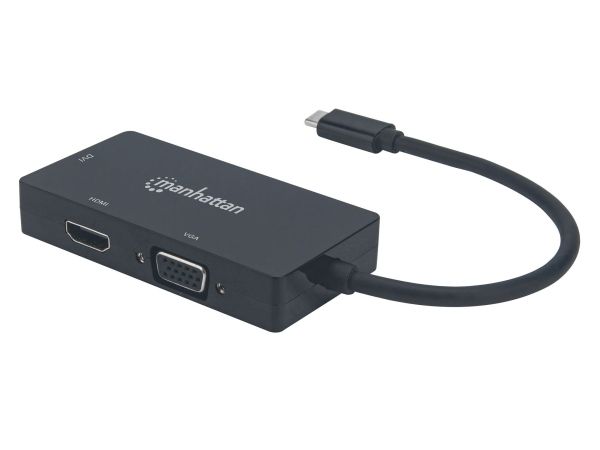
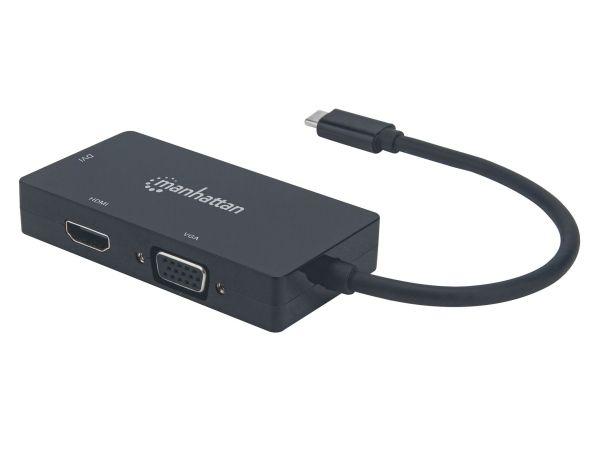
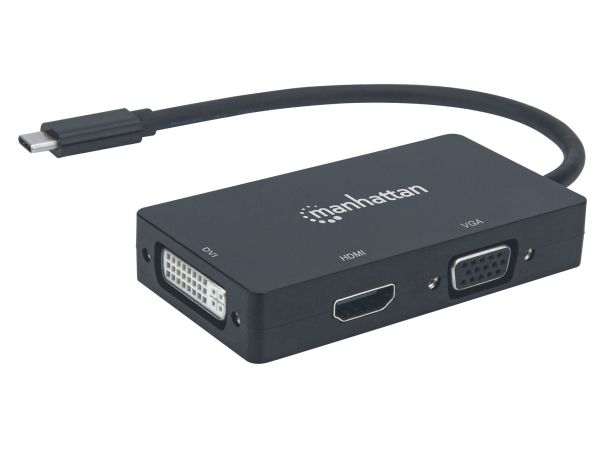
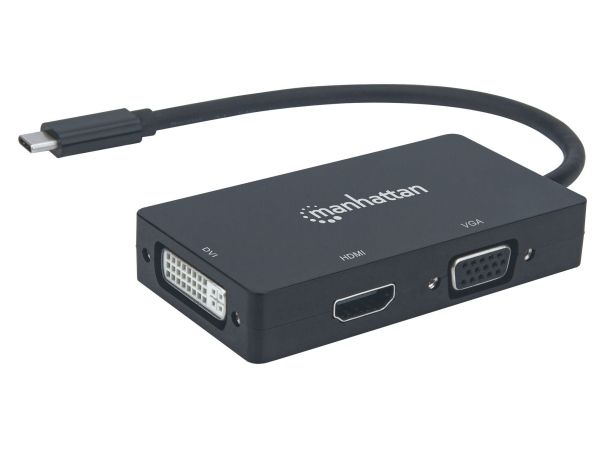
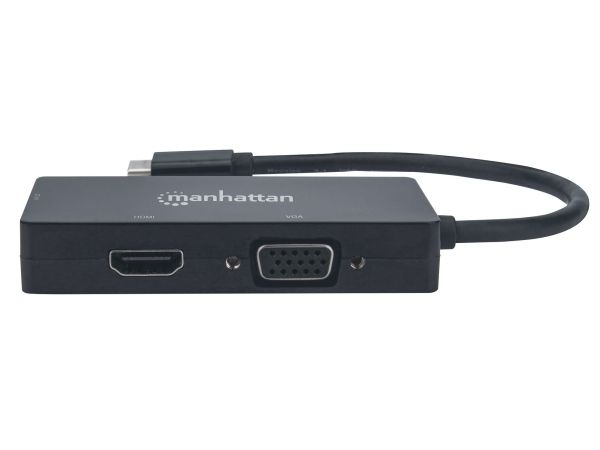
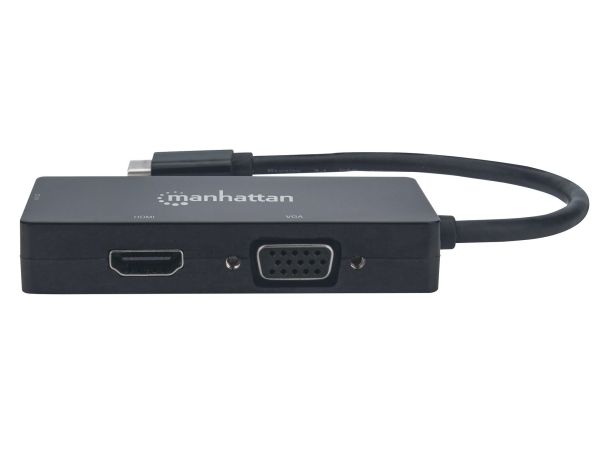
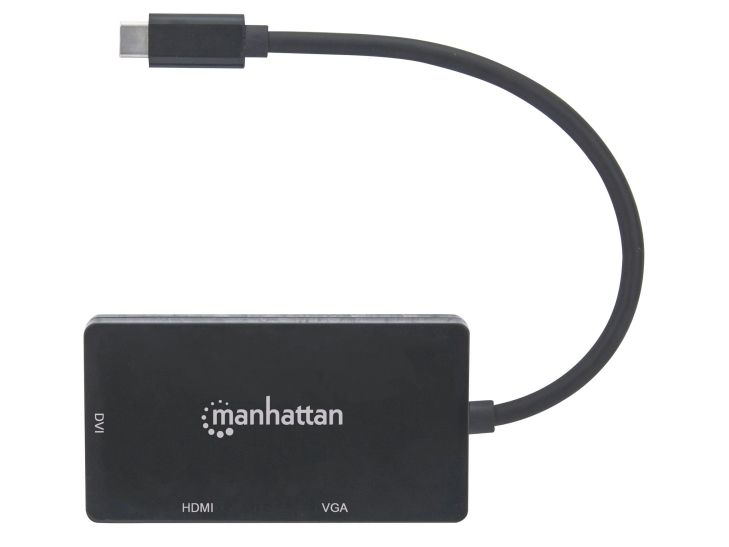
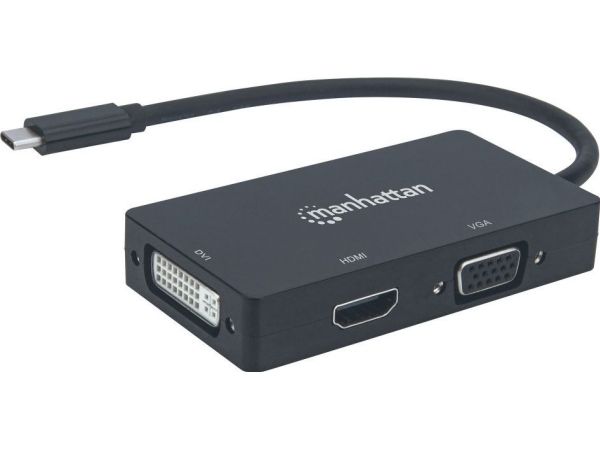
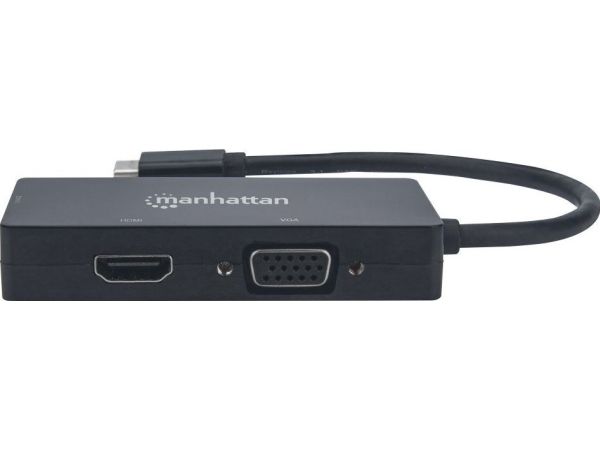
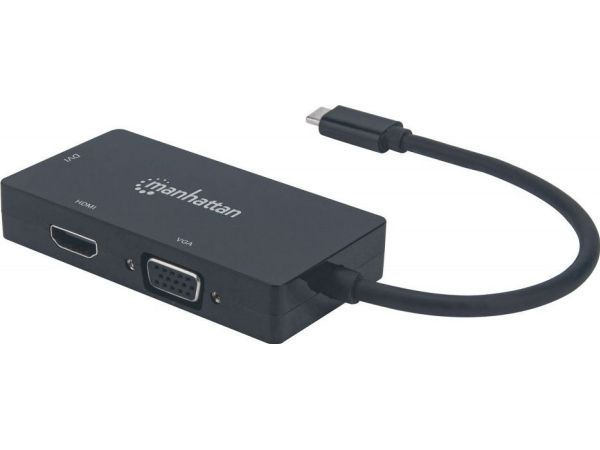
Easily connect a USB Type-C source to a DVI, HDMI or VGA display.
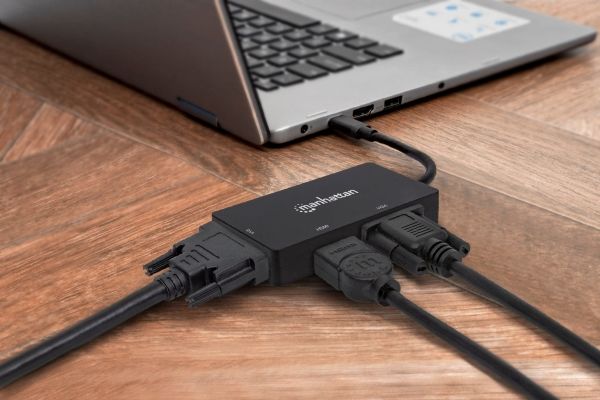
The Manhattan USB-C 3-in-1 Multiport A/V Converter gives you a fast, easy and convenient way to enjoy media from your newer USB-C-equipped computer, tablet, or smartphone on an existing DVI, HDMI or VGA display, monitor or projector. The Converter takes media from a USB-C source and turns it into HDMI audio/video (up to 4K@30Hz resolution [Ultra-High-Definition, UHD]), or DVI or VGA video (up to 1080p [HD]) so you can watch it on the display you're connected to at its supported resolution. The Converter keeps you well covered in connecting to most screens you'll come across since most screens offer DVI, HDMI or VGA connections.
Quality Construction and Easy Installation
The Converter offers full compliance with USB-C, DVI and HDCP standards so you get years of great service and reliable performance. And setup is easy. Simply connect your display's DVI, HDMI or VGA cable (not included) to the right spot on the converter and plug the converter into your USB-C device. That's all there is to this affordable, variable-display solution - no software/hardware configuration or complicated settings required. The Converter helps you get the most use out of your DVI, HDMI or VGA display(s) so you don't have to buy a new screen to enjoy media from your USB-C device.
Maksimal opløsning
3840 x 2160 pixel
Certificering
CEFCCRoHS2WEEE
Produktfarve
Sort
Husmateriale
Acrylonitrilbutadienstyren
Understøttede Windows-operativsystemer
Ja
Understøttede Mac-operativsystemer
Ja
Bredde
45 mm
Dybde
85 mm
Højde
15 mm
Vægt
49 g
Driftstemperatur (T-T)
0 - 50 °C
Opbevaringstemperatur (T-T)
0 - 80 °C
Relativ luftfugtighed ved drift (H-H)
5 - 90%
Harmoniseret systemkode (HS)
84733020
Produktet er kendt under følgende varenumre i vores system
EAN:
0766623152983
SKU:
MAN-152983
Hvorfor oplever jeg at den umiddelbart samme vare findes på forskellige varenumre?
Producenterne udgiver ofte den samme vare med forskellige varenumre, typisk handler det udelukkende om forskellige versioner af emballagen. Eksempelvis kan emballagen være målrettet forskellige lande.
Vi forsøger bedst muligt at samle varerne, men det kan opleves at den samme vare figurerer på forskellige varenumre i vores system.