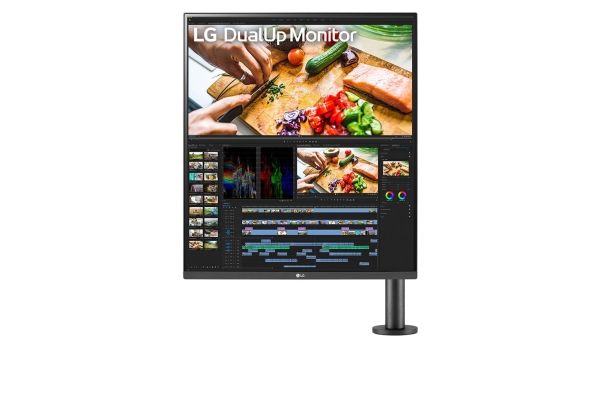
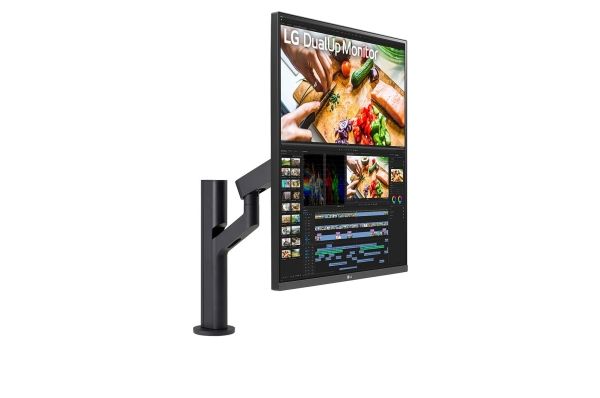
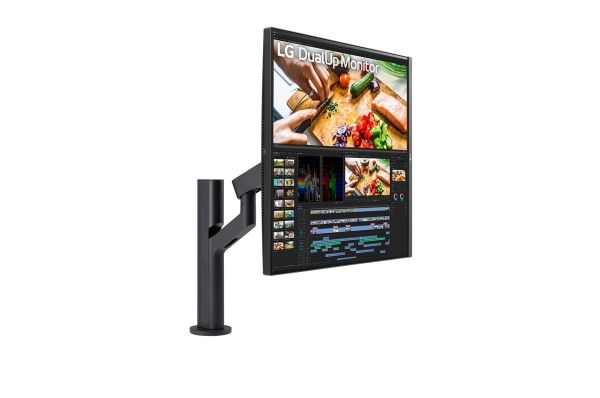
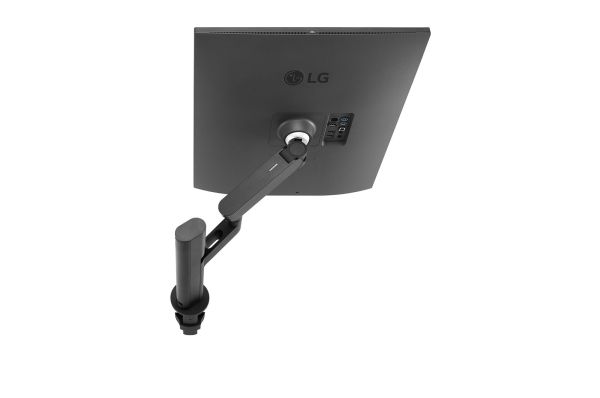
LG 28MQ780-B DualUp Ergo skærm 28" 2560 x 2880 60 Hz Nano IPS
FBAC4895-B52C-4E03-B099-A6A8F8B8017B Created with sketchtool. 706D6907-81E1-46A2-B8F9-7B702A1EF2C7 Created with sketchtool. 6A870209-E7F5-44F5-A66F-09E20C85A0DC Created with sketchtool. 0BB04D6C-A9AB-4913-BF4F-5A23954E68E1 Created with sketchtool. 501E26C7-66C1-4DAA-B740-6CFAF55A1B39 Created with sketchtool. C105F7D3-D5EE-43C9-9EE8-05CC42B296D4 Created with sketchtool. D94689D8-7CBB-41C8-AC06-F79D81FF82D5 Created with sketchtool. DA4C7ED9-2512-4D52-94F0-92800F2A6E04 Created with sketchtool. 42E133FD-828F-4CF4-A0BF-560014487A57 Created with sketchtool. F52D9745-4BFD-4506-BEEF-630FD09EF2D9 Created with sketchtool.
Ikke på lager
Varen er ikke på lager. Mere info

Udsolgt

Varen er ikke på lager.

Brug funktionen ”Giv mig besked..." herunder for opdateringer.

Leveringsmuligheder - Klik på en mulighed for at vælge
GLS - Pakkeshop
Fri fragt
GLS - Levering til hoveddøren
59,00
Afhentning i vores Pick-up point i Ringsted
Fri fragt
Med vores Totalforsikring er du sikret mod alle hverdages fejl og uheld

Totalforsikringen udbydes i samarbejde med USG Danmark Forsikringsagentur, CVR nr. 18850508.

DKK 4.957,00
ex. moms 3.965,60
Total inkl. fragt 4.957,00
Produktdatablad
Giv mig besked når varen er på lager igen


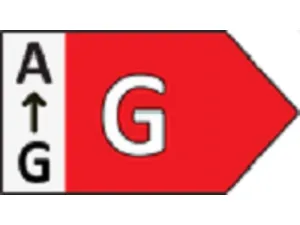
EU-energimærke – Nye krav fra marts 2021

Den nye skala ligner meget den gamle skala, men den er langt strengere. Et produkt, der i den gamle skala var A +++, kan i den nye skala f.eks. ende i gruppe D eller G. Det skyldes at kravene og testmetoderne er blevet højere, men også fordi der er kommet flere parametre der skal testes og vurderes. Kravene til klasse A på den nye energiskala er så høje, at der i skrivende stund ikke er noget produkt der kan mærkes som klasse A på den nye skala. Der vil sandsynligvis gå nogle år, før vi ser nogle produkter i de høje klasser, hvilket også er hele ideen bag det nye energimærke.


Double the Screen, Twice the Experience
Enhance your efficiency with a new format of 16:18 aspect ratio SDQHD display.

Stunning Image Quality
SDQHD (2560 x 2880) Nano IPS
DCI-P3 98% (Typ.) & HDR10

Ergonomics
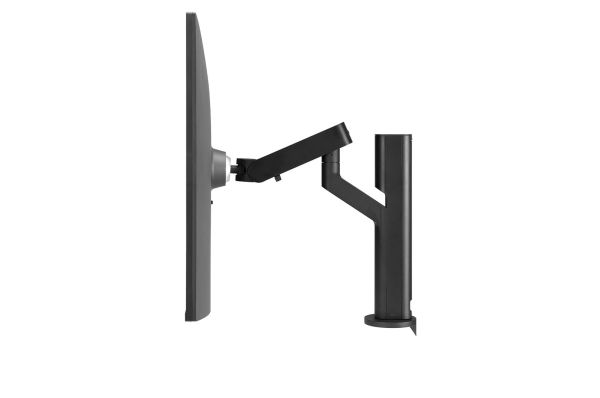
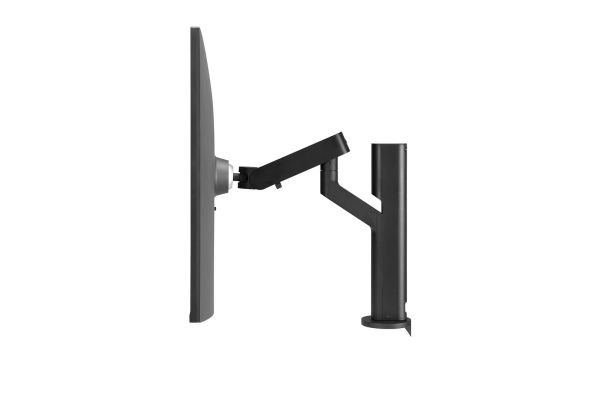
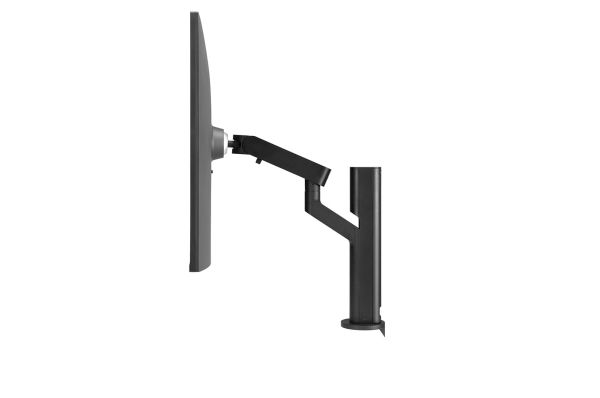
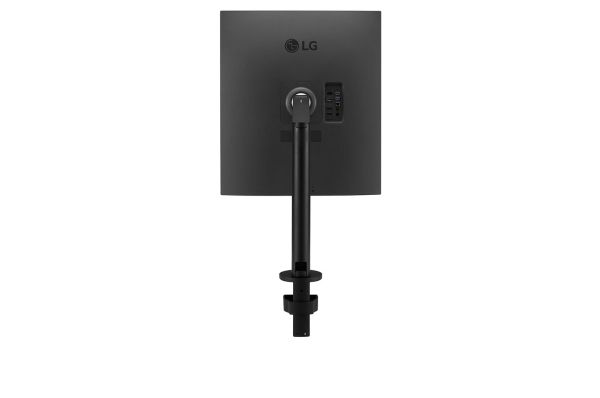
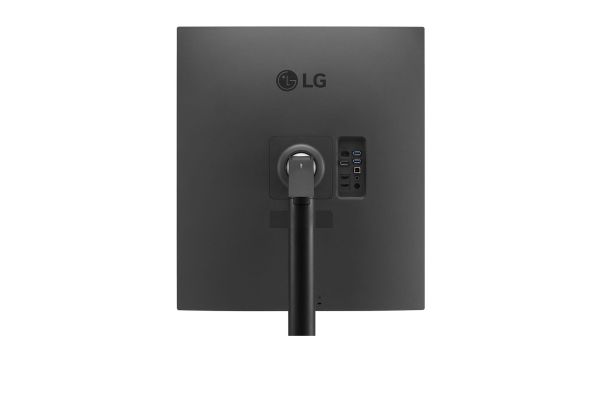
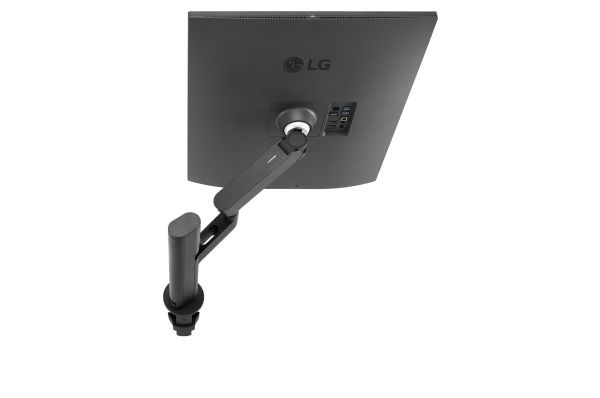
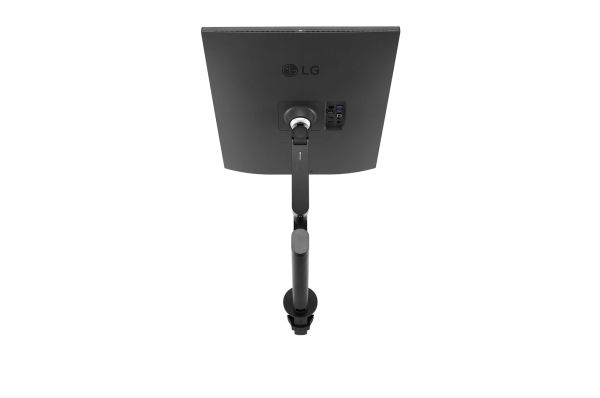
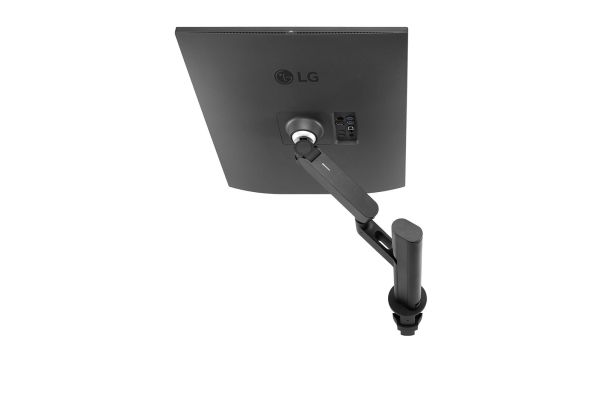
Ergonomic Stand with C-Clamp
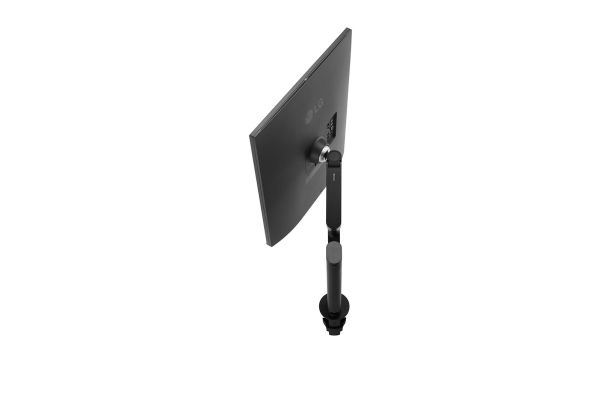
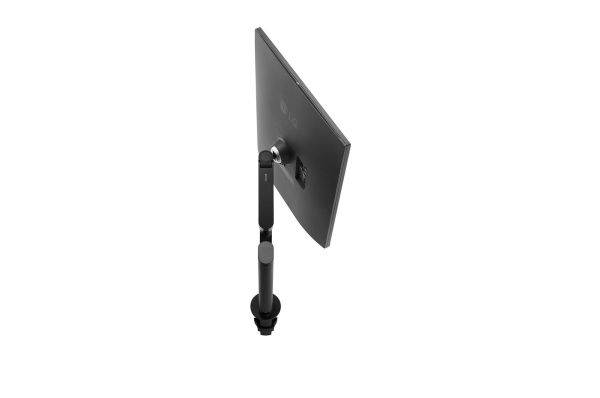
Various Movement of Display

User Convenience
USB Type-C™
Easy Installation

More Screen and Less Space
DualUp monitor only occupied compact space for one monitor but this 16:18 aspect ratio monitor support, two 21.5-inch monitors (16:9 aspect ratio), at one screen. It enhances work efficiency and productivity at the same time.

Various Movement of Display
Ergonomic Movement within Eye Rotation Range
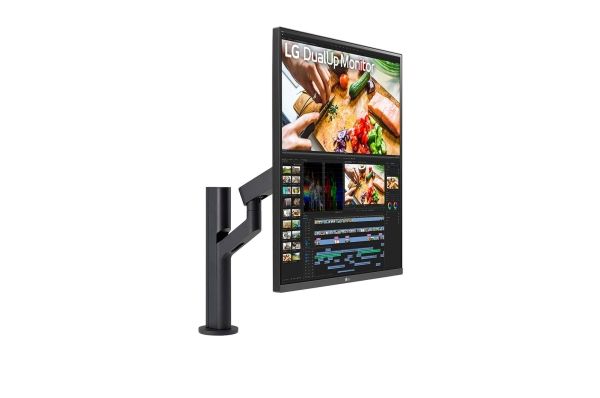
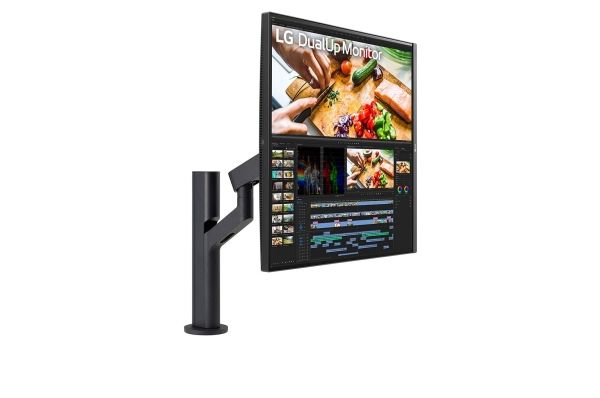
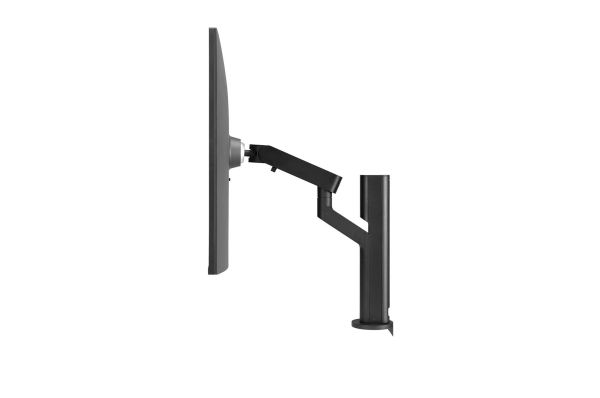
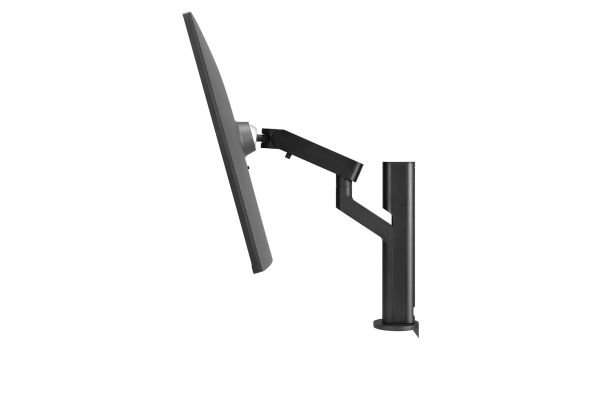
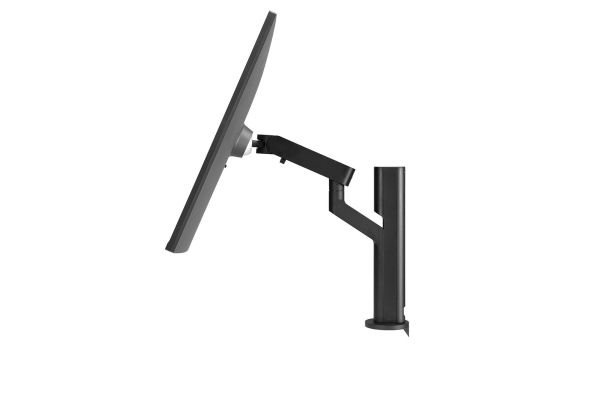
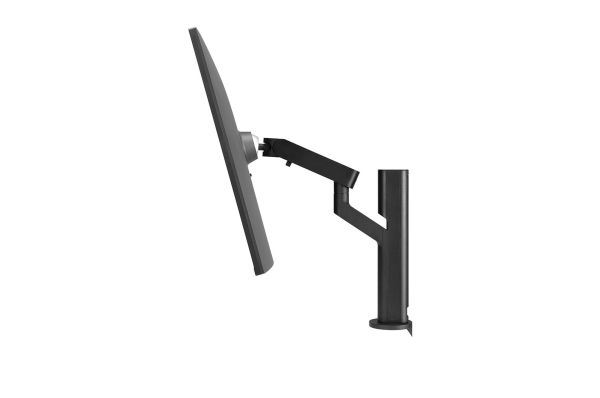
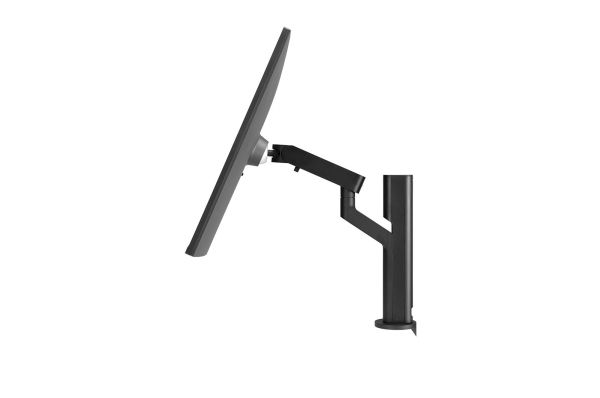
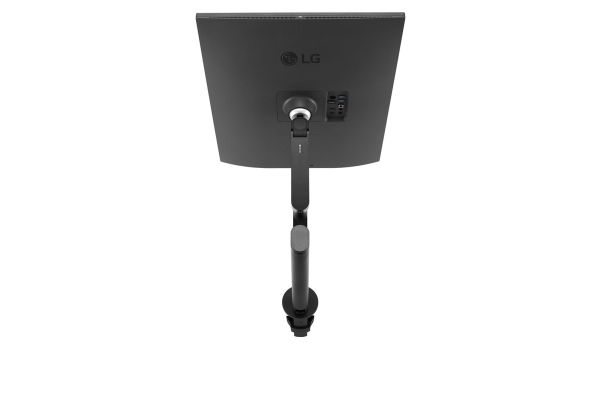
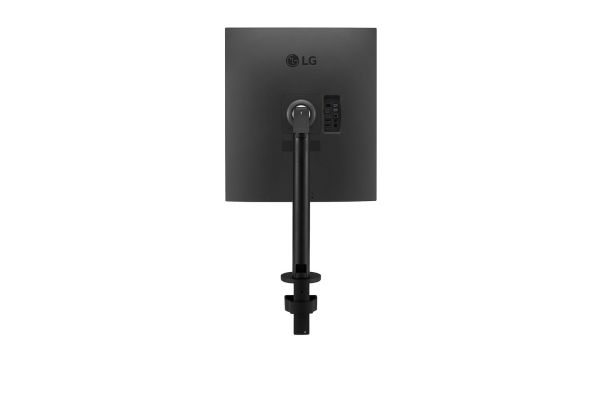
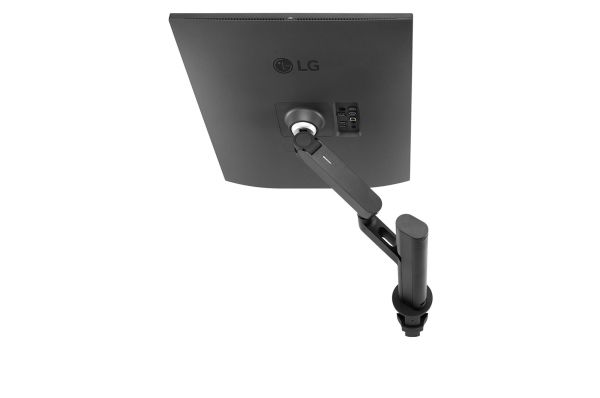
Enhanced flexibility of the Ergo stand* offers expanded ergonomic adjustment of extend, retract, swivel, pivot, height and tilt as well as providing perfect position of screen for more comfortable and sustainable user experience.

SDQHD Nano IPS Display
Stunning Image Quality, Apposite to Your Work

The 27.6-inch SDQHD (2560 x 2880, 16:18 aspect ratio) Nano IPS display supports a wide color spectrum, 98% of DCI-P3 color gamut, and offers vibrant color reproduction with the support of HDR10.

Live Color Low Blue Light
Increase Viewing Comfort while Maintaining Color Quality

LG's Live Color Low Blue Light with TÜV Rheinland Eyesafe® Display Certification helps to protect your eyes against blue light by combining RGB hardware and software adjustments while maintaining vivid color quality.

Ambient Light Sensor
Reducing Eye Strain with Auto Brightness Control

The sensor reacts to light, making the screen brighter in bright areas and darker in the dark. It provides a comfortable working environment.

Ideal Monitor for Creating, Developing, and Multitasking
LG DualUp Monitor, a new style display of 16:18 aspect ratio, helps to boost efficiency and productivity. You can check more information at a glace within the extended upper and lower space.

USB Type-C™
Easy Control and Connectivity

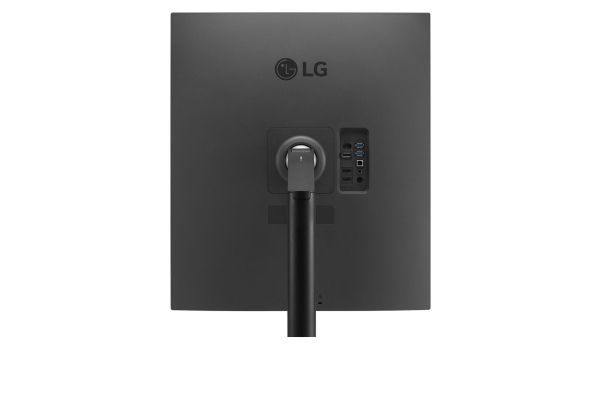
USB Type-C™ port allows from display and data transferring to connected device charging (up to 90W), enabling support for your laptop all at the same time over a single cable.

How to Utilize DualUp Monitor Set-up

PBP & Built-in KVM*
DualUp monitor allows you to control multiple contents from two computers with the picture-by-picture feature. Also, the built-in KVM feature helps to manage content with a single keyboard and mouse.

1 Source PBP**
By connecting two cables, out of HDMI, DisplayPort, and USB Type-C™, you can utilize a dual monitor setup with 28MQ780. It helps to control two-screen easily without using software or shortcut keys.

*KVM: Keyboard, Video Monitor, and Mouse.
**It can be connected via the USB Type-C™ cable, HDMI cable, and USB2.0 upstream cable included with the package.
**DisplayPort cable is NOT included with the package.

Space-saving and Flexible Workstation Setup

Easy Workstation Setup
Fully Use Your Desk

Basically, for the dual monitor set-up without DualUp monitor but conventional monitors, more than 2-times are required compared to the existing space. DualUp monitor helps users to set workspace comfortably in their current space. Also, C-Clamp & Grommet and One Click Mount make it to install easily without other equipment.